Recommended Shopify Apps for Ecommerce & Print-on-Demand Sellers
Not every Shopify app earns its monthly fee. These are the ones that do — six tools vetted for ecommerce and print-on-demand sellers, covering store speed, Google Sheets sync, POD fulfillment, reviews, email marketing, and real profit tracking, with honest pricing and exactly what each one solves.
Running a profitable Shopify store isn't just about picking the right products — it's about building the right stack around them. The apps below are tools we recommend because they solve specific, high-cost problems for ecommerce and print-on-demand merchants: slow stores that leak conversions, messy data that wastes hours, unmanaged email lists that leave revenue on the table, and product sourcing that determines your margin before a single order ships.
Every app listed here is one we've assessed for value at realistic price points. We don't earn commissions on any recommendation — we list what works.
Store Performance
Superspeed: Conversion & Speed
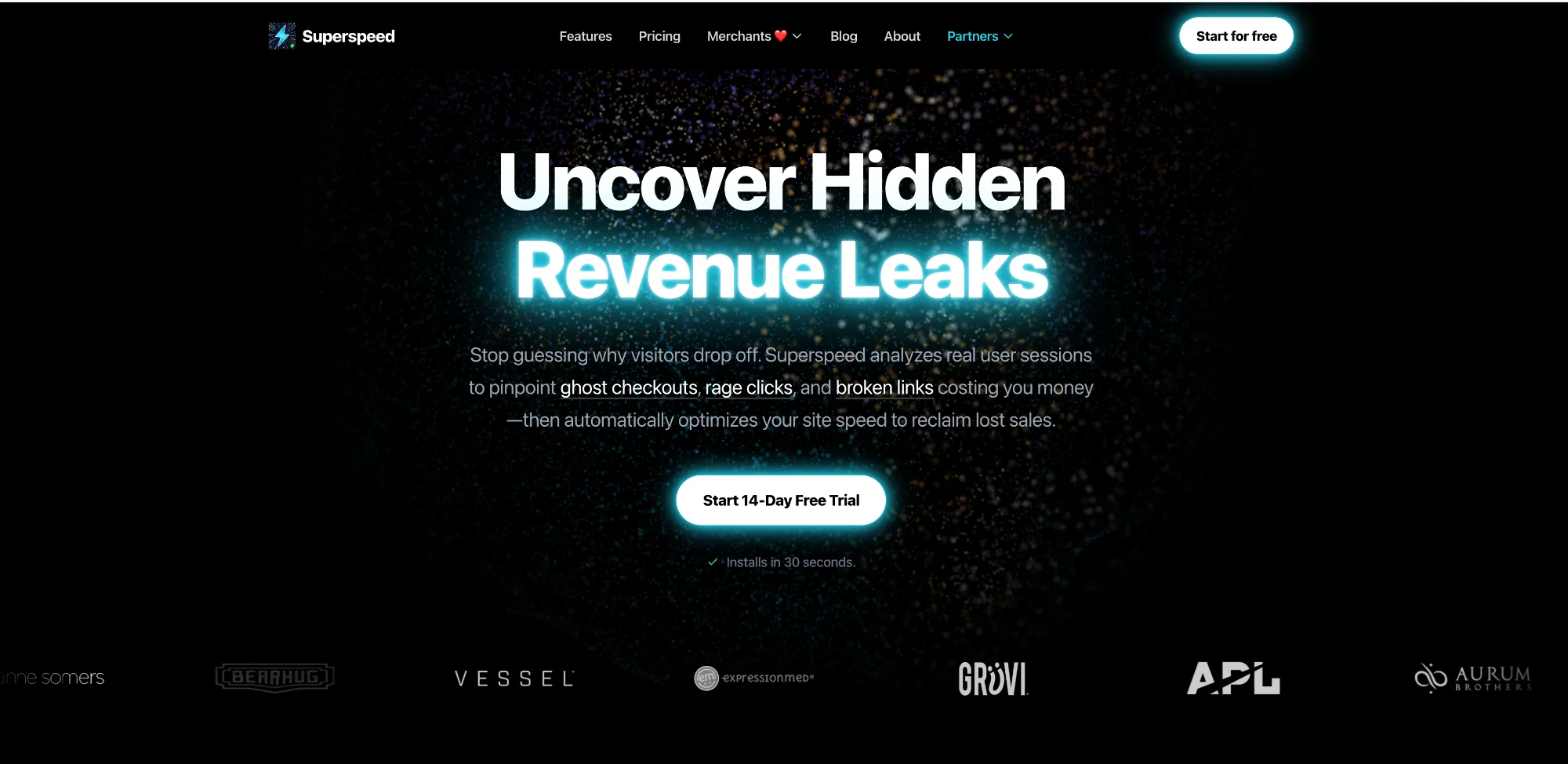
Track lost revenue, fix slow checkouts, and boost conversions with real-user performance data. Slow pages silently kill sales. Even if your store feels fast, real customers experience micro-delays causing checkout abandonment. Superspeed replaces guesswork with Revenue Intelligence. We track exactly what live visitors experience, reveal the hidden bottlenecks costing you revenue, and show the exact dollar amount lost to poor performance. Stop losing money to a heavy theme. Discover your conversion blockers, fix the exact code slowing you down, and turn your traffic into buyers today.
Replace guesswork with real-user revenue intelligence and performance tracking. Identify ghost checkouts and calculate exact dollars lost to slow page loads. Pinpoint the specific apps, scripts, or images killing your conversion rates. Track ad spend waste caused by slow landing pages and high bounce rates. Rescue trapped shoppers leaking from Meta, Instagram and TikTok in-app browsers.
What it does:
- Instantly boosts your Google PageSpeed Insights score
- Passes Core Web Vitals assessments (LCP, FID, CLS)
- Provides constant monitoring with daily Lighthouse audits and real-user field data
- Reduces bounce rates and abandoned checkouts caused by slow load times
- Improves SEO rankings by meeting Google's page experience requirements
- Rated 5-star on the Shopify App Store with merchants reporting PageSpeed scores jumping from the 30s to 80–98
Best for: Any Shopify store — but especially those with multiple apps installed, heavy themes, or embedded video content, all of which compound load time problems that standard Shopify can't solve alone.
Pricing: Free 3-day trial available. Paid plans start from $29/month.
→ Start your free trial at superspeedapp.com
Store Operations
eCommix
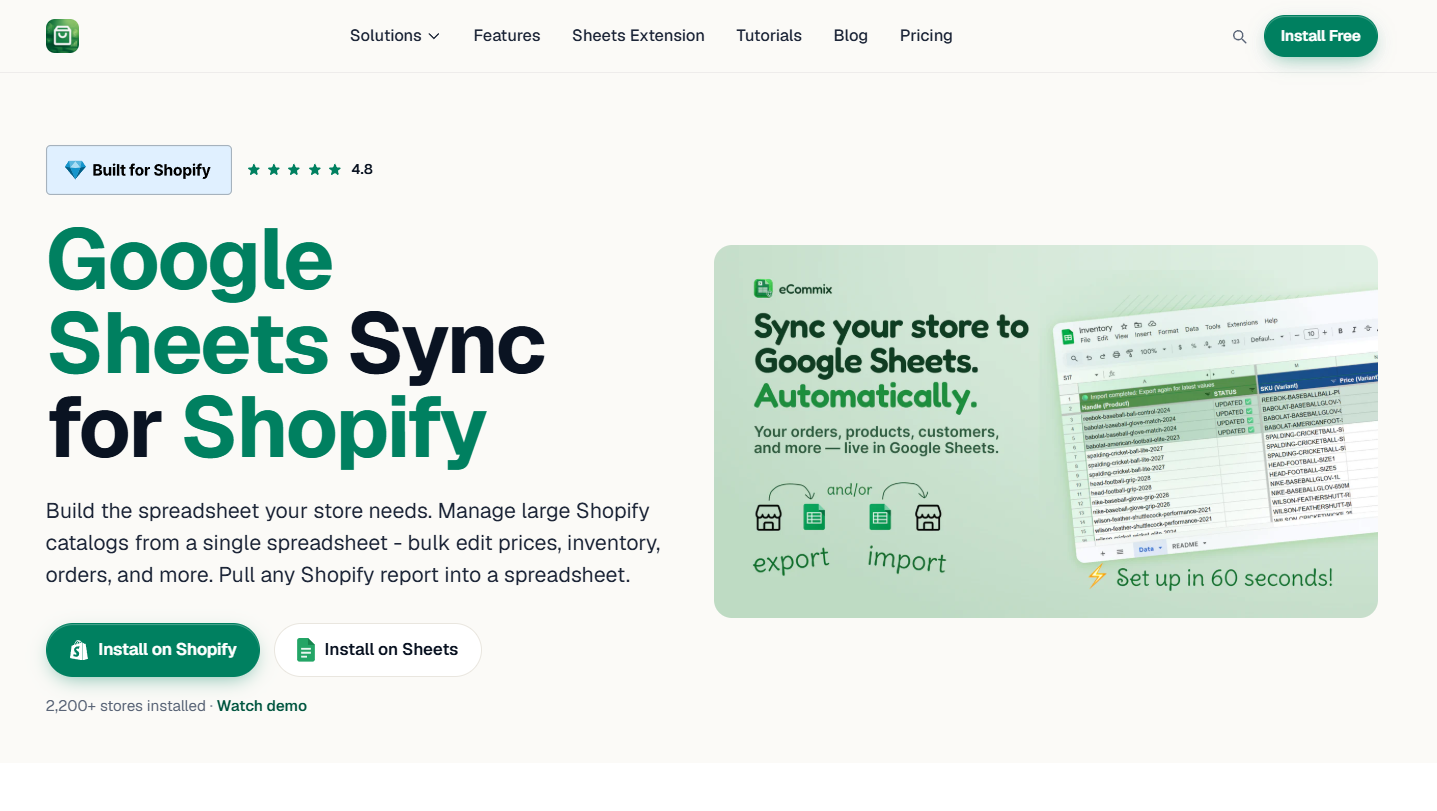
Shopify's built-in export tools are designed for simple tasks. For anything beyond that — bulk price edits across hundreds of variants, inventory planning across multiple locations, custom order reports for your fulfillment team, or supplier data sheets — you end up in CSV hell or paying a developer. eCommix solves this by turning Google Sheets into a live, two-way interface to your entire Shopify store.
eCommix lets you bulk edit products, sync inventory, export reports, and automate workflows — all from Google Sheets. It sets up on your Shopify store in under two minutes for free. With 2,200+ stores installed and a 4.8 rating on the Shopify App Store, it's the most reliable Sheets sync tool in the market.
What it does:
- Bulk price editing — update prices across your entire catalog at once using formulas or paste-in data
- Inventory management — edit stock levels across all locations in a single spreadsheet, with no CSV files or developer help
- Order fulfillment — auto-fulfill orders and notify customers from a tracking column in Google Sheets, letting your ops team manage orders where they already work
- Custom reports and analytics — run ShopifyQL queries directly from eCommix and pull any Shopify data into Sheets on demand or on a schedule
- Auto-refresh — keep spreadsheets updated hourly, daily, weekly, or in real time from Shopify events
- Team and supplier sharing — because data lives in Google Sheets, you control sharing exactly like any other Google Doc, including filtered views per supplier
Best for: Stores with large or complex catalogs, multi-location inventory, operations teams who live in Google Workspace, and any merchant who's ever lost an afternoon to Shopify's CSV export/import cycle.
Pricing: 7-day free trial on all plans. Bronze from $14.99/month (1,000 rows), Silver $39.99/month (5,000 rows + real-time sync + ShopifyQL), Gold $59.99/month (unlimited rows + 30-min refresh).
FlexSync
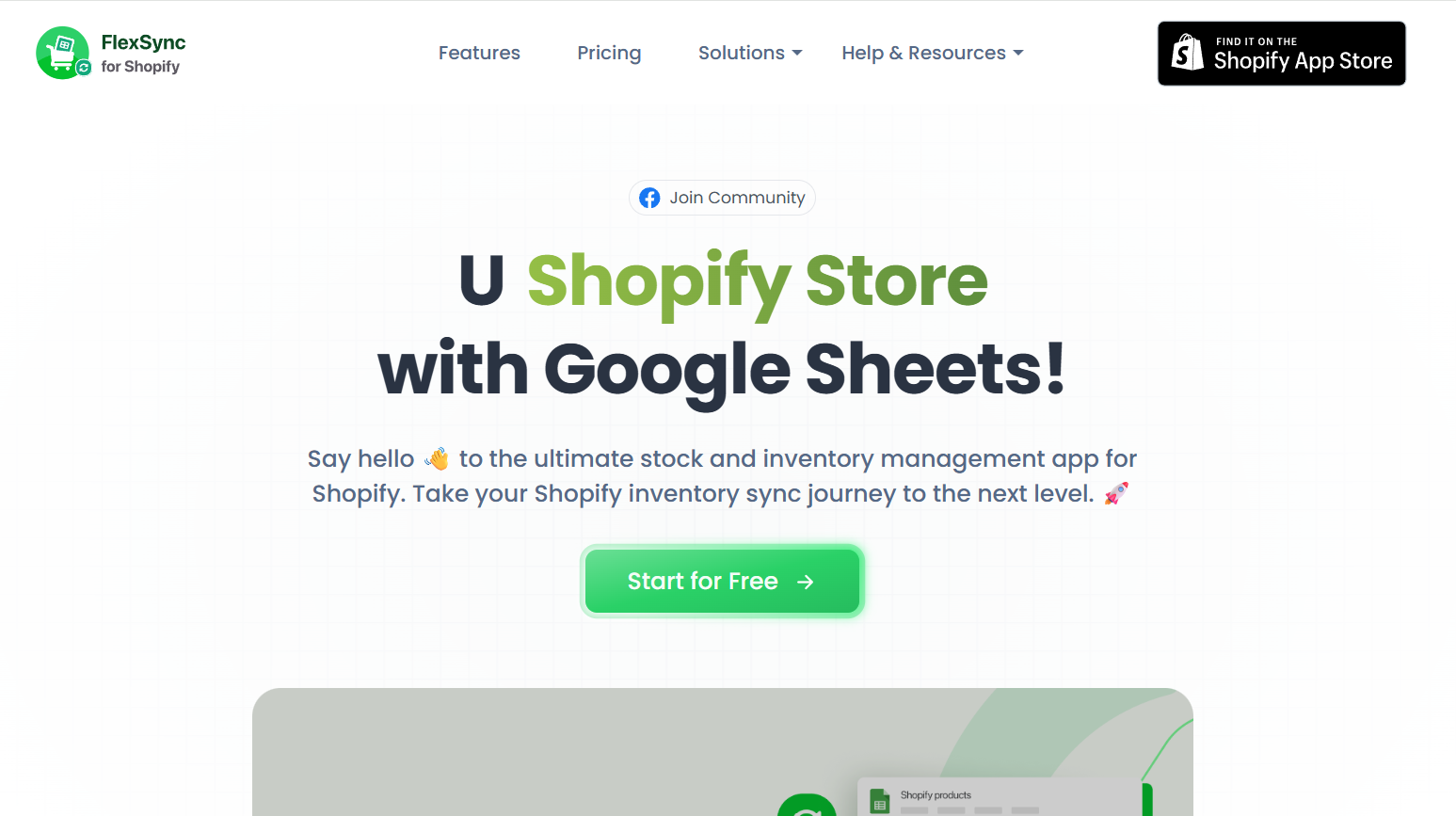
If your inventory management workflow already lives in Google Sheets — or you want it to — FlexSync connects your Shopify store to a Google Sheets spreadsheet with genuine two-way sync. Edit stock levels, prices, SKUs, product titles, or metafields directly in the sheet, and the changes push back to Shopify automatically. Pull down updates from Shopify and the sheet refreshes. No CSV exports, no manual re-entry, no developer required.
What sets FlexSync apart from generic sync tools is the formula-automation layer. You can write Google Sheets formulas — IF statements, IMPORTRANGE, calculated fields — and have the results sync back to Shopify as real product or inventory updates. That means you can automate pricing rules, flag low-stock SKUs, or apply bulk adjustments using spreadsheet logic you already know, without writing a single line of code or configuring a Zapier workflow.
What it does:
- Two-way inventory sync — changes in Shopify appear in Sheets; changes in Sheets push back to Shopify automatically or on demand
- Bulk product editing — update titles, descriptions, SKUs, prices, and variants directly in the spreadsheet
- Formula-driven automation — use native Google Sheets formulas to control Shopify inventory and product data without manual intervention
- Metafields sync — export product and variant metafields as dedicated columns, edit in bulk, and sync back automatically
- Drag-and-drop column control — organise your sheet exactly how your workflow needs it, putting the most important data first
- Selective sync with filters — export only specific products, variants, or categories; filters can be changed at any time without breaking your sheet
- 14-day free trial on all plans with 24/7 priority support across every tier
Best for: Merchants who manage inventory directly from Google Sheets and want a lightweight, formula-friendly sync tool focused on stock and product data — especially useful for stores with supplier feeds, made-to-order products, or variant-heavy catalogs where spreadsheet-based logic makes bulk management faster than any dashboard.
Pricing: 14-day free trial on all plans. Starter plan covers up to 5,000 SKUs; Growth up to 15,000 SKUs; Ultimate up to 50,000 SKUs. Plans start from $14.99/month — verify current pricing at flexsync.app/pricing.
→ Start your free trial at flexsync.app
Print-on-Demand Fulfillment
Printify
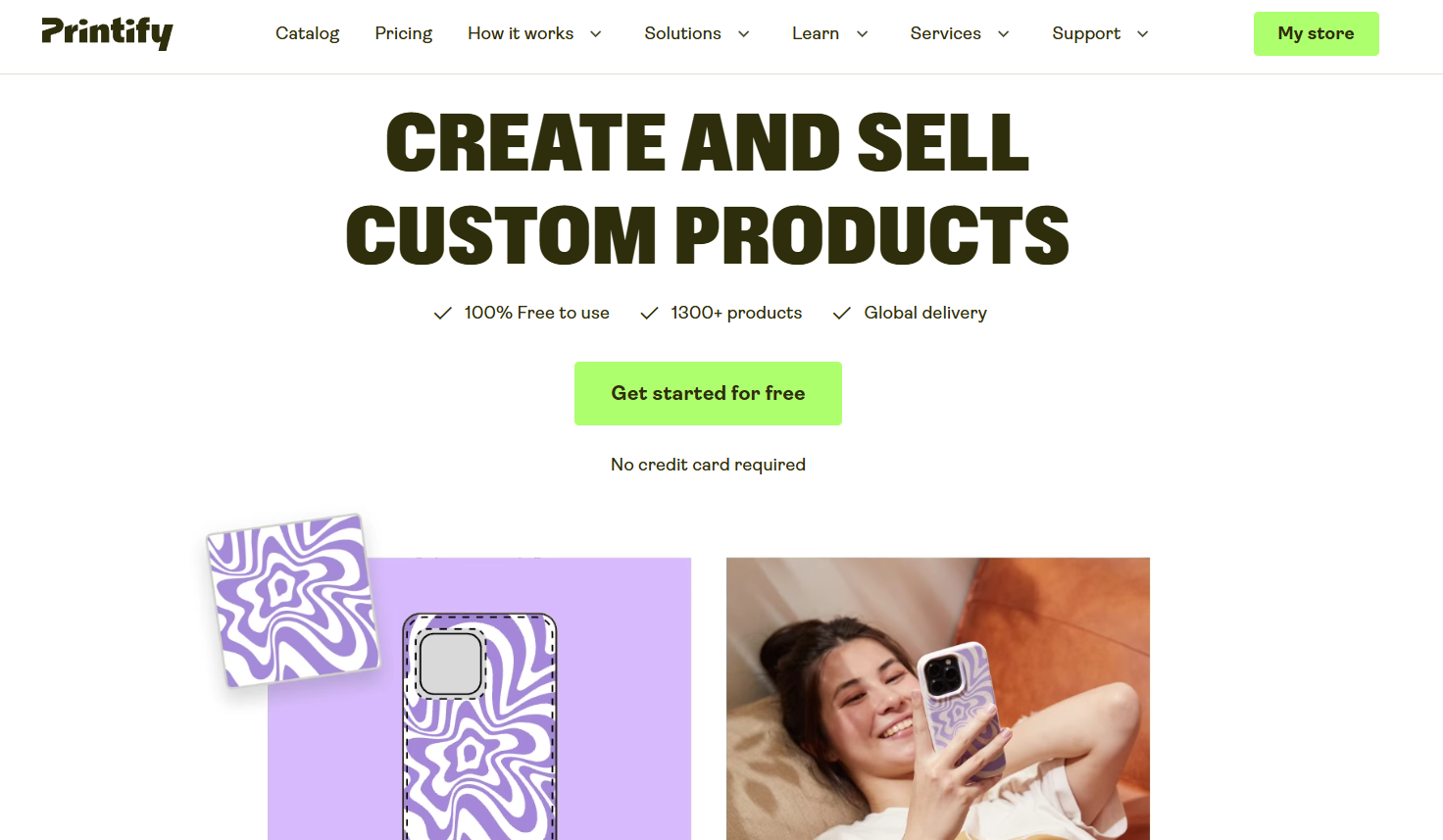
Printify is the most margin-friendly POD platform for Shopify sellers, and the one we reference most in our cost breakdowns because its base costs are the lowest in the market. As a marketplace of 140+ independent print providers, it lets you choose the supplier that balances cost, quality, and shipping speed for your specific customer base.
What it does:
- Connects your Shopify store to a global network of print providers
- Automates order routing, production, and shipping tracking
- Covers 800+ product types — apparel, accessories, home goods, and more
- Printify Premium (~$25/month) unlocks up to 20% off all products, paying for itself at roughly 10–15 orders a month
Best for: Sellers who prioritize margin on standard apparel and want flexibility to switch providers per product. US-focused stores benefit most from the domestic provider network.
Pricing: Free plan available. Printify Premium ~$25/month.
Reviews & Social Proof
Judge.me
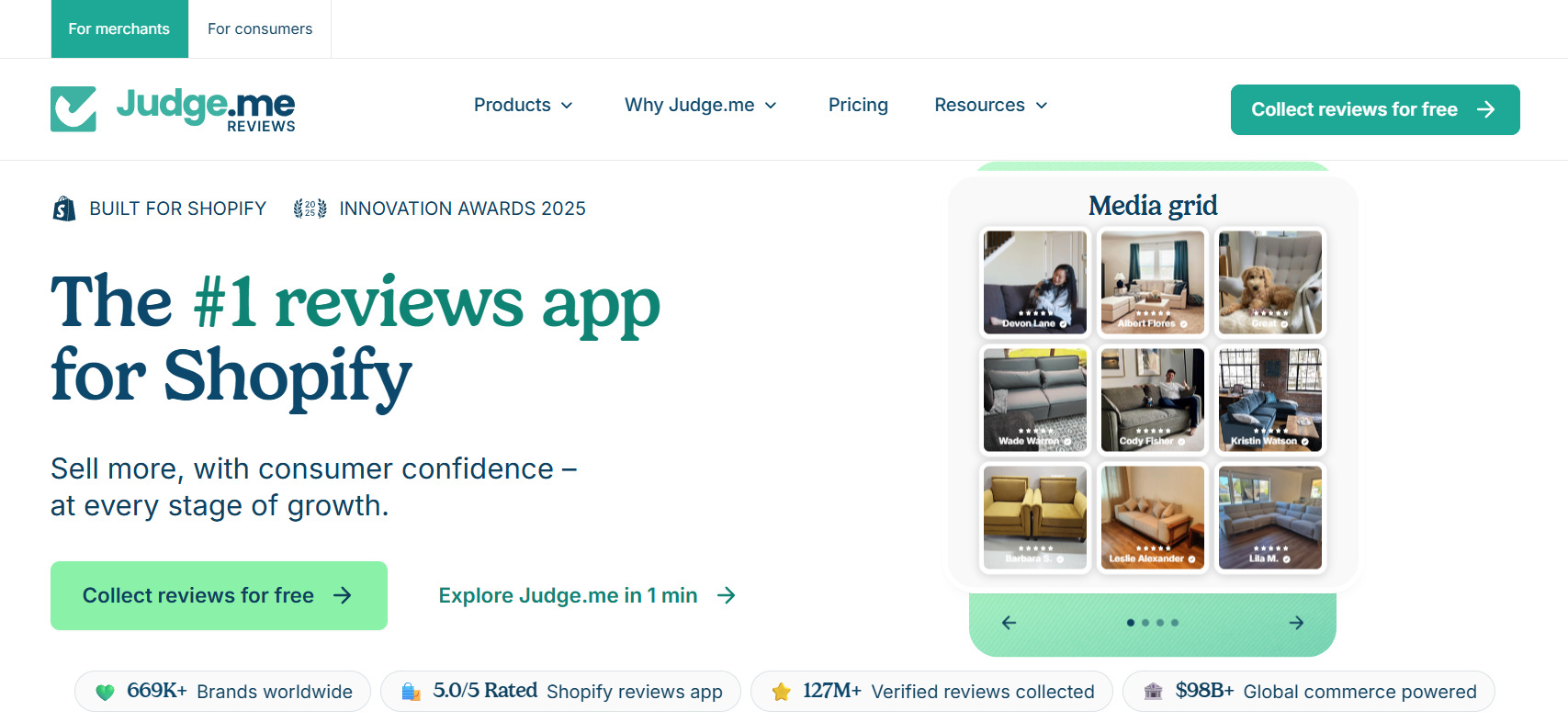
Reviews directly affect conversion rates — most merchants see a 10–20% lift in conversion on products with 10+ reviews versus those with none. Judge.me is the most widely used product review app on Shopify, with a generous free tier that covers most stores' needs at launch.
What it does:
- Automated review request emails after order delivery
- Photo and video reviews displayed on product pages
- Review import from AliExpress, Amazon, and other platforms
- Rich snippet schema markup (stars show in Google search results)
- Integrates with Shopify's native review widget and most popular themes
Best for: Any store serious about conversion — which is every store. Social proof is the fastest free conversion lever available and Judge.me makes it automatic.
Pricing: Free plan with core features. Judge.me Pro at $15/month adds coupons, Q&A, cross-shop syndication, and more.
Email Marketing
Klaviyo
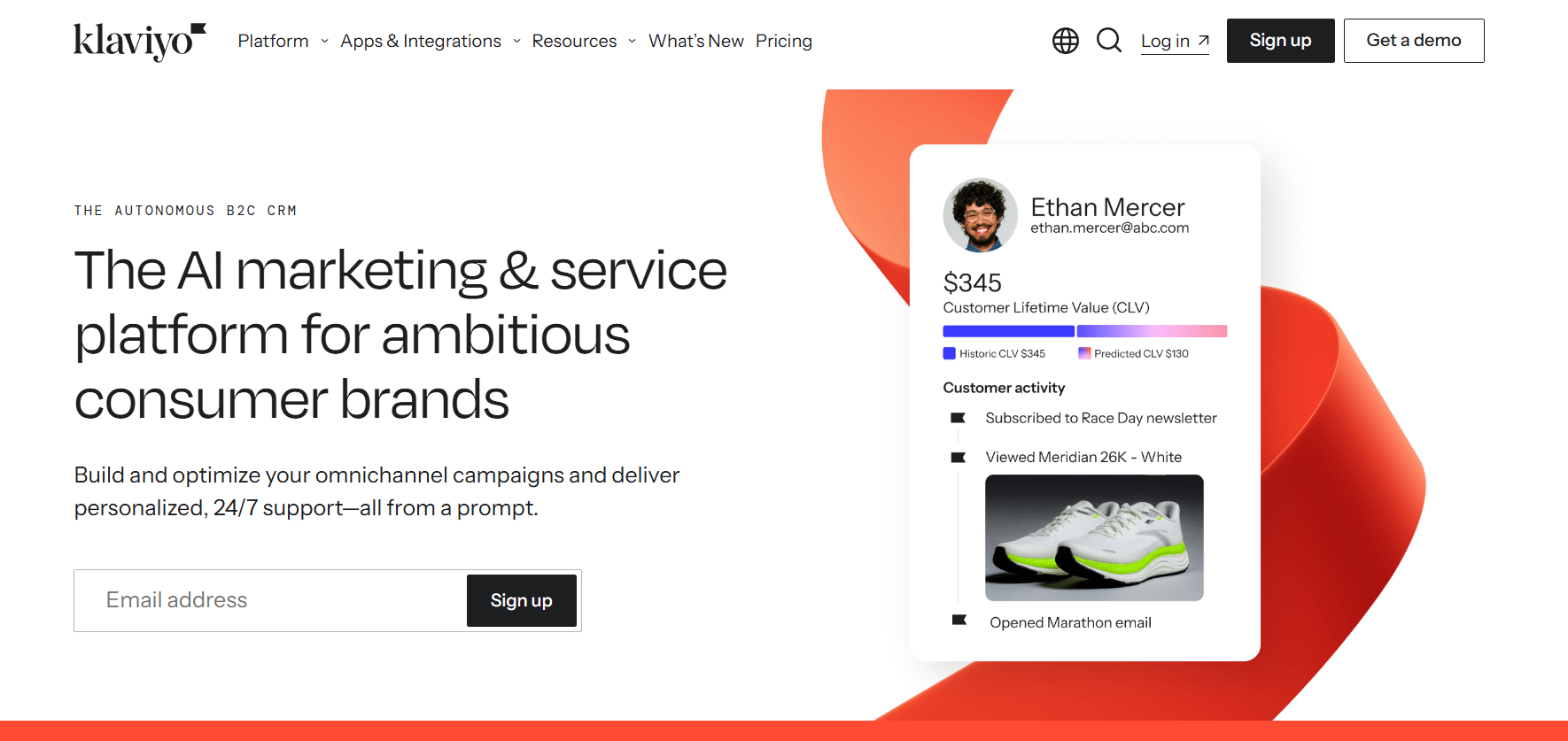
Email is the highest-ROI marketing channel for established ecommerce stores — industry benchmarks put email returns at $36–$42 for every $1 spent. Klaviyo is the platform that powers this for serious Shopify merchants: it integrates directly with Shopify, pulls purchase, browse, and cart data automatically, and lets you segment and automate with precision that generic email tools can't match.
What it does:
- Pre-built flows for abandoned cart, post-purchase, welcome series, and win-back
- Segmentation based on purchase history, browse behaviour, product tags, and predicted lifetime value
- A/B testing on subject lines, content, and send times
- SMS marketing alongside email in a single platform
- Deep Shopify integration — syncs products, orders, and customer data in real time
Best for: Stores past their first 500 customers who want to stop relying purely on paid ads to drive revenue. Email becomes cheaper per order than any ad channel once your list is built.
Pricing: Free up to 250 contacts and 500 emails/month. Paid plans scale with list size — typically $20–$45/month for small lists, rising with volume.
Customer Support & Sales Automation
Zipchat — AI Chatbot for Shopify Sales & Support
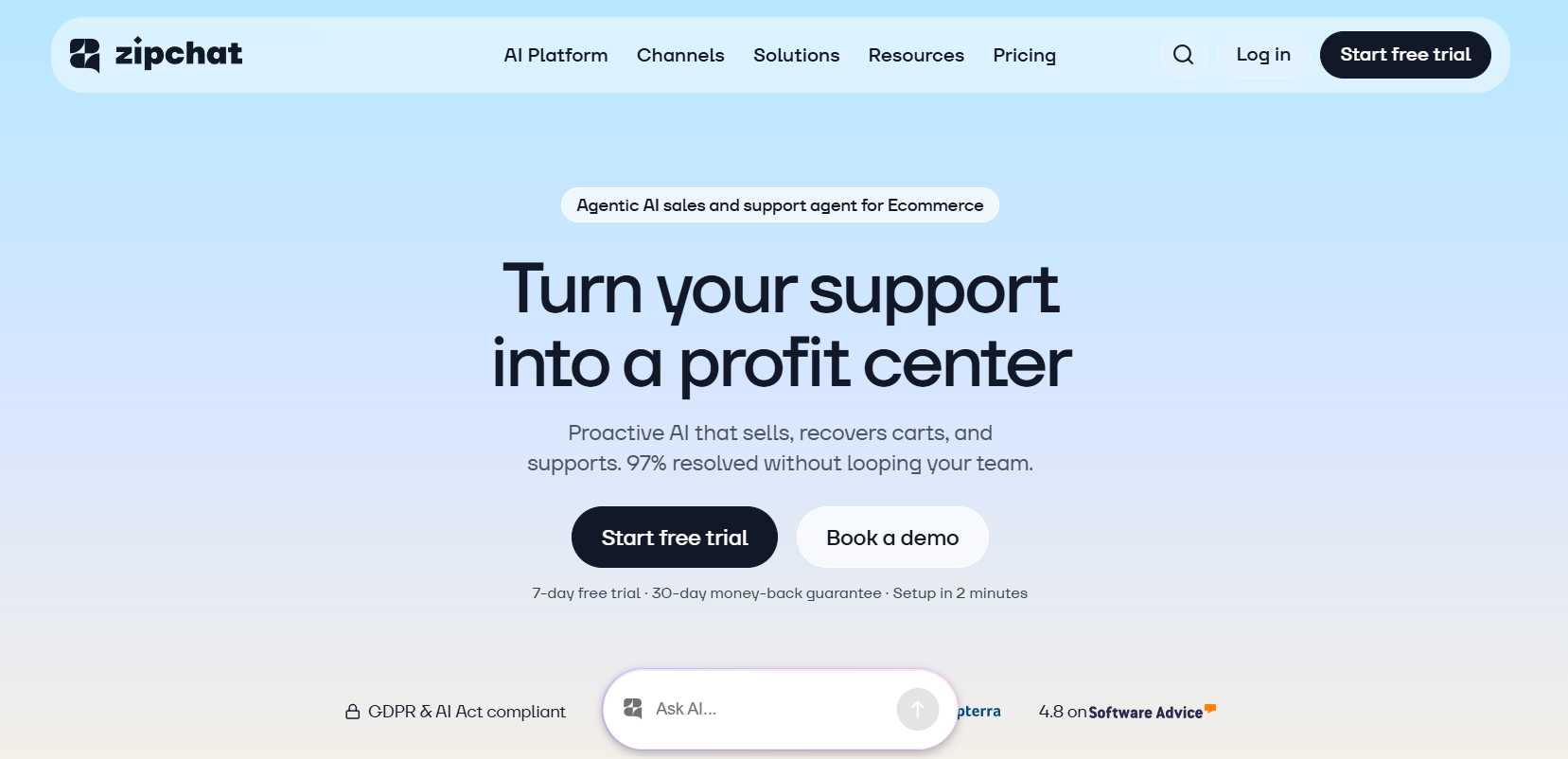
**[zipchat.ai] · Read: AI Chatbot for Shopify — Complete Guide
Most Shopify stores either leave customer questions unanswered until a human gets to them, or they install a basic FAQ widget that handles the easy ones and drops the rest. Both approaches leak revenue. A customer with a sizing question at 11pm who doesn't get an answer doesn't wait — they leave. Zipchat closes that gap with an AI agent that handles pre-purchase sales conversations, post-purchase support, and abandoned cart recovery 24/7 across live chat, WhatsApp, Instagram Messenger, and email — without code, without a support team standing by, and without the hallucination problems that make generic AI tools unusable in a retail context.
Zipchat is a conversational AI agent for sales and support, deployable across AI chat, support email, and WhatsApp. The AI connects to your store to deliver instant answers through multiple channels — learning your products, policies, and FAQs to engage shoppers with pre-purchase guidance, cross-sell products, recover abandoned carts, and manage post-purchase requests like tracking and returns. It runs in any language and requires no-code setup.
The Shopify integration is native: install the app and the bot is live within 5–10 minutes. Average chat-to-conversion rate is 16.3%, with top stores reaching 55%+. Zipchat carries a 4.8/5 rating on the Shopify App Store, with 95% of reviews at five stars.
What it does:
- Pre-purchase sales conversations — greets visitors, asks what they're looking for, recommends relevant products with images and prices, handles objections, and guides customers toward checkout
- Abandoned cart recovery — proactively re-engages shoppers who left without buying, with personalised messages and optional discount codes
- Post-purchase support — handles WISMO (where is my order?), return requests, and FAQs automatically, resolving the majority without human intervention
- Cross-sell and upsell — surfaces complementary products in context during conversation, not as a popup interruption
- Multichannel deployment — runs on live chat, WhatsApp, Instagram Messenger, and support email from a single configuration
- Self-training — learns from your product catalog, policies, and order data automatically; no manual knowledge base entry required
- Multilingual — responds in the customer's language without separate configuration
Best for: Any Shopify store that wants to convert more of the visitors it's already paying to acquire — particularly stores with complex products where customers have questions before buying, stores with high WISMO support volume, and international stores selling across multiple languages and timezones.
Pricing: Free plan available (120 AI replies/month, 100 training pages). Paid plans from $49/month (500 AI replies, 1,000 training pages). Free trial available.
→ Start your free trial at zipchat.ai
Customer Loyalty App
Love Loyalty
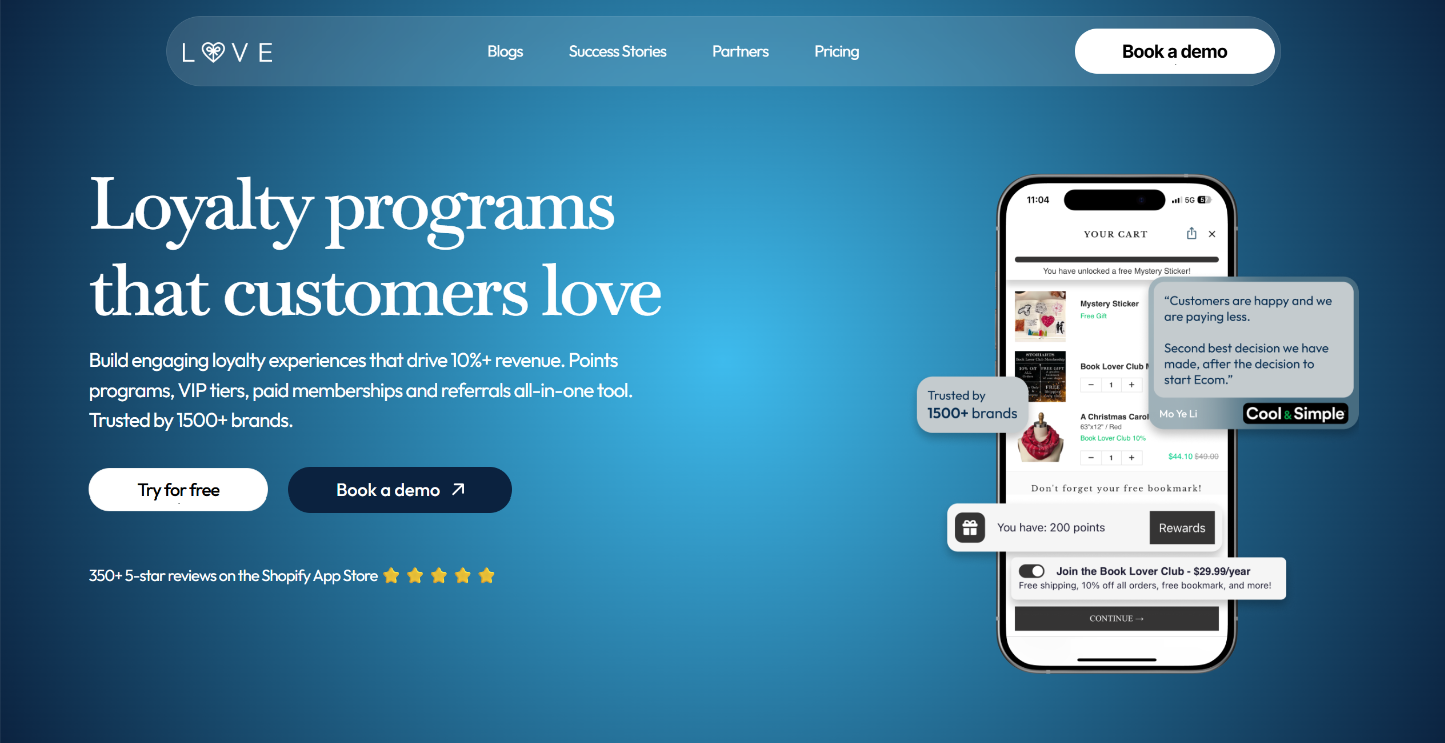
Love Loyalty is the best customer loyalty app for Shopify merchants who want to increase customer lifetime value (LTV). It offers 20+ touchpoints across your storefront, including the loyalty page, product pages, cart, and checkout, so customers see their rewards wherever they shop.
What it does:
- 20+ native storefront placements across product pages, cart, checkout, customer accounts, and thank-you pages
- Points program: customers earn on purchases and actions like birthdays, then redeem for discounts or free products
- VIP tiers: customers move up automatically as they spend, so your best customers have a reason to keep ordering
- Shopify POS integration: store staff enroll customers in seconds, and the same balance works online
- Klaviyo integration: loyalty data goes to Klaviyo, so you can build email flows around points and rewards
- Apple and Google Wallet passes: customers save their loyalty card to their phone
- Referrals: both the customer and the friend they bring in get a reward
Best for: Shopify and Shopify Plus brands that want to build a customer loyalty program with points, VIP tiers, referrals, paid memberships, Klaviyo flows, POS, Apple & Google wallet pass, and B2B loyalty in one single app.
Pricing: Free plan available. Paid plans start at $12/month and include a 14-day free trial. Professional includes up to 500 orders/month, Growth costs $79/month for up to 2,000, and Plus costs $399/month for unlimited orders.
Store Analytics & Profit Tracking
Syncost
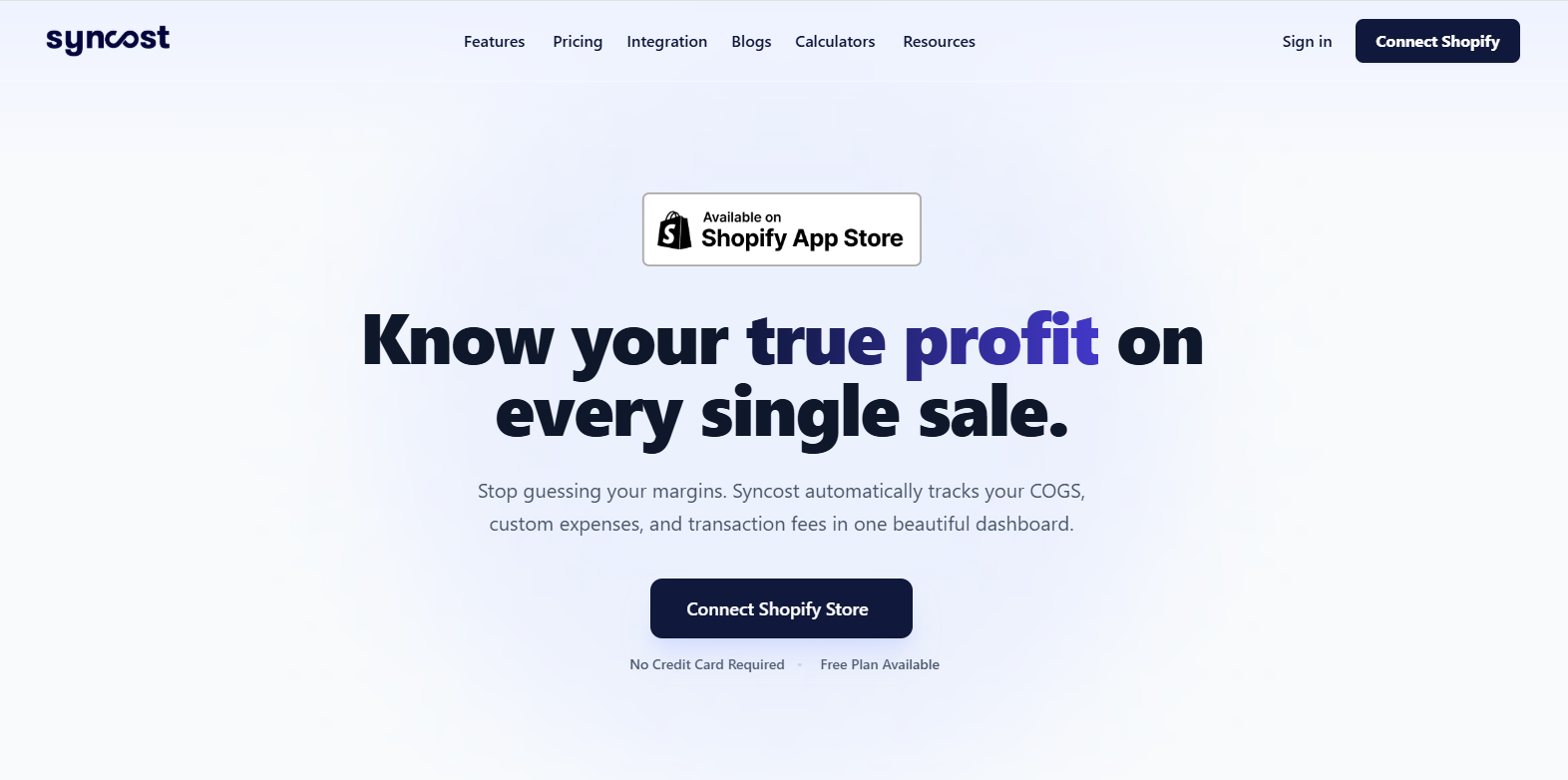
Every app in this list helps your store perform better in a specific area. Syncost is the one that tells you whether all of it is actually working — in real dollars, on every order.
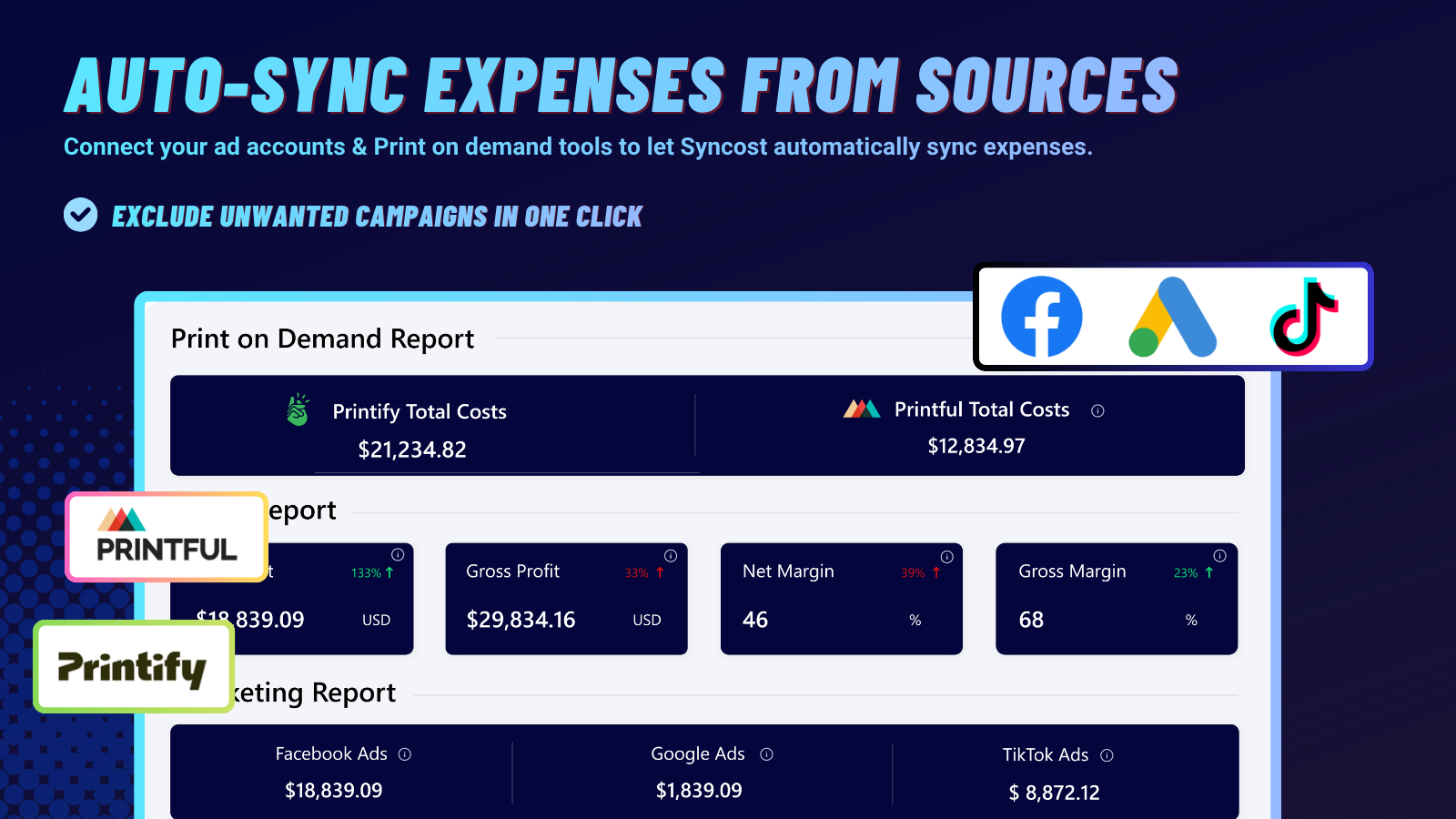
Shopify's built-in analytics shows revenue, sessions, and conversion rate. It does not show you what you actually keep after product cost, shipping, payment fees, and ad spend are deducted. That gap — between revenue and real net profit — is where most merchants lose money without knowing it.
What it does:
- Automatically combines your product costs, Shopify fees, shipping, and ad spend into one clear view
- Shows true net profit on every single order — not estimated gross margin, not a monthly spreadsheet
- Tracks which products, channels, and campaigns are genuinely profitable after all costs
- Surfaces margin erosion in real time — when a supplier's cost creeps up or ad CPCs rise, you see it in your profit before it costs you a full month's budget
- Works with Printify, Gelato, Printful, and all major POD and dropshipping suppliers
Best for: Any Shopify merchant who has ever wondered why their revenue looks healthy but their bank account doesn't. The answer is almost always in the costs Shopify's dashboard doesn't show — and Syncost does.
→ Track your real profit at syncost.com
Building Your App Stack
Not every store needs every app from day one. A sensible rollout by stage:
At launch:
- Printify (if you're doing POD) — free, essential from day one
- Judge.me free plan — start collecting reviews immediately
- Superspeed — site speed affects SEO and conversion from your first visitor
At 100+ orders/month:
- eCommix — when manual Shopify data management starts costing you hours
- Klaviyo free plan — start building your email list before you need it
At 500+ orders/month:
- Klaviyo paid — your list is an asset that should be actively monetised
- Syncost — at this volume, margin tracking isn't optional
The goal of an app stack isn't to maximise the number of tools — it's to eliminate the specific bottlenecks that are costing you money or time at your current stage. Each app above solves one real problem. Add them when the problem is real, and cut them quarterly if the problem no longer is.