Free Profit Margin Calculator for Shopify & Ecommerce Sellers
Generic finance calculators don't speak ecommerce — they ignore Shopify fees, shipping, and ad spend, and hand you a gross margin that isn't real profit. Here's how to calculate your true net margin, the exact costs online sellers forget, and a worked example that turns a "70% margin" into 28.5%.

Type "profit margin calculator" into Google and you'll get a hundred generic finance tools. Punch in a revenue number and a cost number, and out comes a tidy percentage. The problem? That percentage is almost never your real margin — because a generic calculator has no idea you're running an online store. It doesn't ask about your Shopify fees, your shipping, your ad spend, or the returns eating into your revenue. It gives you a clean gross number and lets you assume you're more profitable than you are.
A profit margin calculator built for ecommerce thinks like a merchant. It prompts for the exact costs sellers forget — the ones that turn a "60% margin" product into one that barely breaks even. This guide walks through how profit margin actually works for online stores, the ecommerce-specific costs a finance calculator misses, and how to calculate the number that tells you whether your business is genuinely making money.
What a Profit Margin Calculator Does
A profit margin calculator turns your revenue and costs into a percentage that shows how much of each sale you keep as profit. Enter what you sell a product for and what it costs you, and it returns your margin. Simple in theory.
In practice, the value of the tool depends entirely on which costs it asks you to include. A calculator that only subtracts your product cost gives you gross margin — useful, but incomplete. A calculator that also accounts for platform fees, shipping, marketing, and returns gives you net margin — the number that actually predicts whether you can pay yourself at the end of the month. For ecommerce sellers, the second number is the one that matters, and it's the one most calculators quietly ignore.
Gross Margin vs. Net Margin
Before you calculate anything, you need to know which margin you're looking at. Sellers who confuse the two make confident decisions on the wrong number.
Gross Margin
Gross margin is what's left after you subtract the cost of goods sold (COGS) from your revenue. It measures the profitability of the product itself, before the costs of running the business. If you sell a product for $50 that costs you $15 to make or buy, your gross profit is $35 and your gross margin is 70%. It's a useful health check on your pricing and sourcing — but it is not money in your pocket.
Net Margin
Net margin is what's left after you subtract every cost: COGS plus shipping, payment processing, advertising, apps, returns, and overhead. It's the true bottom line. That same $50 product with a 70% gross margin might leave you a 25% net margin once all the real costs come out — or less. Net margin is the number that tells you whether the business works.
Why the Gap Between Them Is Where Sellers Get Surprised
The distance between gross and net margin is the story of your business. A store can post gorgeous gross margins and still lose money, because the gap — shipping, ads, fees — is where the profit leaks out. Ecommerce is especially prone to this because so many of those costs are variable and easy to overlook when they're spread across dozens of small transactions. Sellers who only track gross margin are flying blind on the costs that actually determine survival.
The Profit Margin Formula
Two formulas cover almost everything you need.
Gross Margin Formula
Gross margin % = (Revenue − COGS) ÷ Revenue × 100
For a $50 product with $15 in COGS: ($50 − $15) ÷ $50 = 70% gross margin.
Net Margin Formula
Net margin % = (Revenue − All costs) ÷ Revenue × 100
"All costs" is where the ecommerce reality lives. The formula is simple; the discipline is in listing every cost honestly. That's exactly what a merchant-minded calculator forces you to do.
The Ecommerce Costs a Generic Calculator Ignores
Here's what separates a real ecommerce profit margin calculator from a generic one. These are the fields that should be pre-loaded — the costs that decide your net margin.
COGS (Cost of Goods Sold)
This is your baseline: what you pay your supplier or manufacturer per unit, plus inbound freight and any per-unit production cost. Get this wrong and every downstream number is wrong. If your supplier prices creep up and you don't update your COGS, you can run a losing margin for months without noticing.
Shopify & Payment Processing Fees
Every card sale carries a processing fee, and it comes straight off the top of every order. On Shopify Payments in 2026, online rates run 2.9% + 30¢ on Basic, 2.7% + 30¢ on Grow, and 2.5% + 30¢ on Advanced. Use a third-party gateway instead and Shopify adds an extra transaction fee — up to 2% on Basic — on top of your processor's cut. There's also the $15 chargeback fee when a customer disputes a charge. A generic calculator never asks about any of this, yet it can quietly consume three to five points of margin on every order.
Shipping and Fulfillment
Unless you fully pass shipping on to the customer — and most stores don't — the cost of getting the product to the door is yours. Add packaging, pick-and-pack labor or fulfillment fees, and the free-shipping thresholds you offer to lift conversion. Shipping is often the single largest hidden cost between gross and net margin.
Ad Spend and Customer Acquisition Cost
For most online stores, this is the margin killer. If it costs you $12 in Meta and Google ads to acquire the customer who bought a $50 product, that $12 comes directly out of your profit on that order. Spread across your orders, customer acquisition cost (CAC) can turn a healthy-looking product into a break-even one. A true profit margin calculator treats ad spend as a per-order cost, not an afterthought.
Returns, Transaction & App Fees
Returns cost you the refunded revenue, the return shipping, and often the product itself if it can't be resold. Then there are the recurring app subscriptions running your store — email, reviews, upsells — that spread across every order as fixed overhead. Individually small, collectively decisive.
How to Calculate Your True Profit Margin
Let's run a real order through the ecommerce lens. Take a product that sells for $50:
| Line item | Cost |
|---|---|
| Revenue (sell price) | $50.00 |
| COGS | −$15.00 |
| Shipping & packaging | −$7.50 |
| Payment processing (2.9% + 30¢) | −$1.75 |
| Ad spend / CAC per order | −$10.00 |
| App & overhead per order | −$1.50 |
| Net profit | $14.25 |
The gross margin here looks great: ($50 − $15) ÷ $50 = 70%. But the net margin tells the real story: $14.25 ÷ $50 = 28.5%. That 41-point gap between gross and net is precisely what a generic calculator hides — and what a merchant needs to see before deciding this product is worth scaling.
Change one input and watch the picture shift. Push CAC from $10 to $18 because ad costs rose, and your net profit drops to $6.25 — a 12.5% margin on the same "70% gross margin" product. That sensitivity is why tracking the full cost stack isn't optional.
What Is a Good Profit Margin for Ecommerce?
There's no universal target, but there are useful ranges. Most ecommerce stores run gross margins of 40–60% and net margins of 10–20%. A net margin above 20% is strong; below 10% leaves little room for error when ad costs or shipping rise. What counts as "good" depends heavily on your category and business model.
Benchmarks by Category
Treat these as directional, not gospel:
| Category | Typical gross margin | Typical net margin |
|---|---|---|
| Apparel & accessories | 50–60% | 10–20% |
| Beauty & cosmetics | 55–70% | 15–25% |
| Jewelry | 60–75% | 15–25% |
| Home & furniture | 40–55% | 8–15% |
| Electronics | 20–35% | 5–12% |
| Food & beverage | 35–50% | 8–15% |
High-margin categories like beauty and jewelry carry heavier marketing and return costs, which is why their net margins aren't as far ahead as their gross margins suggest. Low-margin categories like electronics survive on volume. Compare yourself to your category, not the average.
How to Improve Your Profit Margin
Once you can see your true net margin, you can move it. Three levers do most of the work.
Raise Prices Strategically
The fastest way to widen margin is a modest price increase, because it drops almost entirely to the bottom line. A 5% price rise on a product with a 15% net margin can lift that margin by a third — if demand holds. Test on your less price-sensitive products first.
Cut Hidden Costs
Attack the gap between gross and net. Switch to Shopify Payments to avoid third-party transaction fees, negotiate shipping rates or raise your free-shipping threshold, audit and cancel unused apps, and tighten ad targeting so CAC falls. Each point of cost you remove is a point of margin you keep.
Increase Average Order Value
Every order carries fixed costs — shipping, processing, acquisition. Raising average order value through bundles, upsells, or volume discounts spreads those costs across more revenue, lifting net margin without a single price change. A customer who buys two items instead of one is dramatically more profitable, because the second item barely adds to your per-order cost.
Profit Margin Calculator FAQ
What's the difference between profit margin and markup?
Margin measures profit against your sell price; markup measures it against your cost. A product with a 50% markup has only a 33% margin. Always confirm which one you're working in before you price.
Should I use gross or net margin to price my products?
Use gross margin to set your sticker price and net margin to judge whether the product is actually worth selling. Pricing on gross alone is how stores end up unprofitable despite strong-looking margins.
Why is my calculated margin different from my bank balance?
Almost always because a cost was left out — usually ad spend, returns, or fees. A calculator that pre-loads ecommerce costs closes that gap. If your margin says 30% but your account says otherwise, an untracked cost is the culprit.
What net profit margin should a Shopify store aim for?
Many healthy Shopify stores run net margins in the 10–20% range, though it varies by category. The more important habit is tracking net margin consistently so you catch erosion before it becomes a problem.
Track Every Margin Automatically
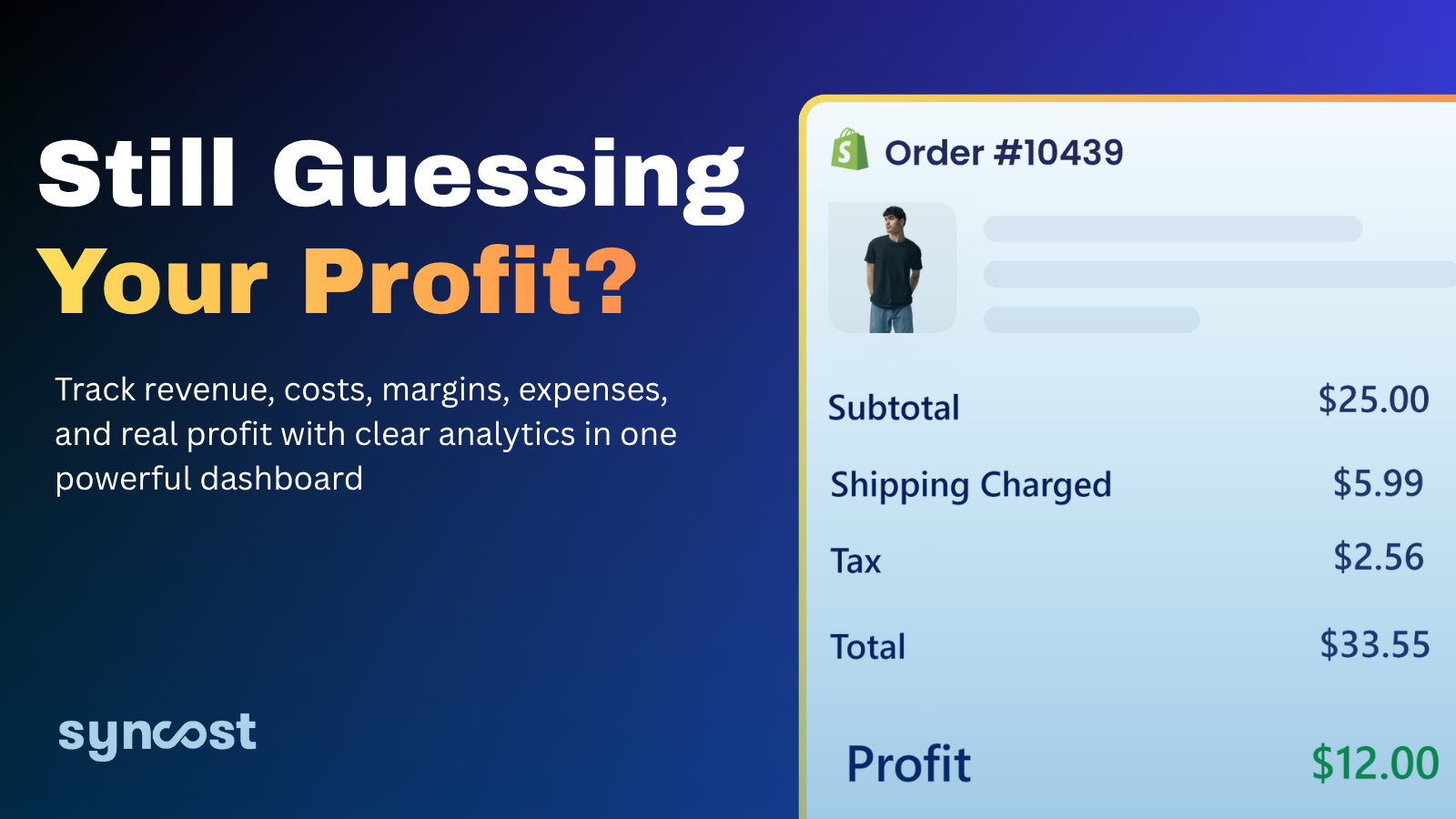
A profit margin calculator is the right first step — it forces you to see the full cost of a sale instead of the flattering gross number. But calculating margin order by order, by hand, doesn't scale past a handful of products. That's where Syncost takes over for Shopify merchants. It automatically brings together the exact costs this article covers — COGS, Shopify fees, shipping, and ad spend — into one clear view, so you see true net profit on every single order without touching a spreadsheet. Instead of estimating your margin, you watch it in real time, spot the products and campaigns that are quietly losing money, and scale the ones that actually pay. Calculate your margin here to understand it — then let Syncost track it so it never surprises you again.
*Margin figures and benchmarks are for general guidance. Confirm your own fully-loaded costs before making pricing or inventory decisions.