Best Shopify SEO Tools & Apps to Rank Your Store (2026)
The best Shopify SEO tools and apps compared — for keyword research, on-page fixes, speed, and audits — plus which ones are actually worth paying for.

Best Shopify SEO Tools & Apps to Rank Your Store
The right Shopify SEO tools save you hours and surface issues you'd never spot manually — but you don't need to pay for all of them. This guide covers the best SEO tools and apps for Shopify across keyword research, on-page optimization, technical audits, and speed, plus which are genuinely worth the money.
Quick answer: Use a free tool like Google Search Console for tracking and a keyword tool for research, then add one Shopify SEO app (for bulk meta edits, image optimization, and audits) only if you have a large catalog. Most small stores can rank well with free tools plus good habits.
The two free tools every Shopify store needs
- Google Search Console (free) — see what you rank for, which queries drive clicks, indexing issues, and Core Web Vitals. Non-negotiable for any store.
- Google Analytics / GA4 (free) — understand traffic sources and behavior. (Confirm your setup tracks the right conversions.)
Set these up before paying for anything.
Keyword research tools
- Google Keyword Planner (free) — search volume and ideas straight from Google.
- Paid tools (Ahrefs, Semrush, etc.) — deeper keyword difficulty, competitor analysis, and content gaps. Worth it once SEO is a core channel.
Shopify SEO apps (from the App Store)
(Confirm current names, features, and pricing in the Shopify App Store — the lineup changes.)
| Tool type | What it does | Worth it when |
|---|---|---|
| All-in-one SEO app | Bulk meta edits, broken-link fixes, JSON-LD/schema, audits | Large catalogs, lots of pages |
| Image optimizer | Compresses images, adds alt text in bulk | Image-heavy stores (speed wins) |
| Speed optimizer | Reduces load time, lazy-loads assets | Slow themes / many apps |
| Schema/rich-results app | Adds structured data for rich snippets | Product-heavy stores wanting SERP features |
What to look for in a Shopify SEO tool
- Bulk editing — editing titles/meta one by one doesn't scale.
- Technical audits — catches broken links, missing meta, redirect issues.
- Schema/structured data — helps you win rich results.
- Speed impact — ironically, some SEO apps slow your site; choose lightweight ones.
- Clear reporting — you should understand what it found and why it matters.
Do you actually need a paid SEO app?
Often, no. If you have a small catalog, you can handle titles, meta, descriptions, and structure by hand. Paid apps earn their keep when you have hundreds of products (bulk editing) or a speed problem you can't fix manually. Don't stack SEO apps — each one you add can slow your store, which hurts the SEO you're trying to improve.
The tool that connects SEO effort to profit
SEO tools tell you about rankings and traffic — but not whether that traffic makes money. A page can rank and convert while still losing money on thin-margin products after fees and shipping.
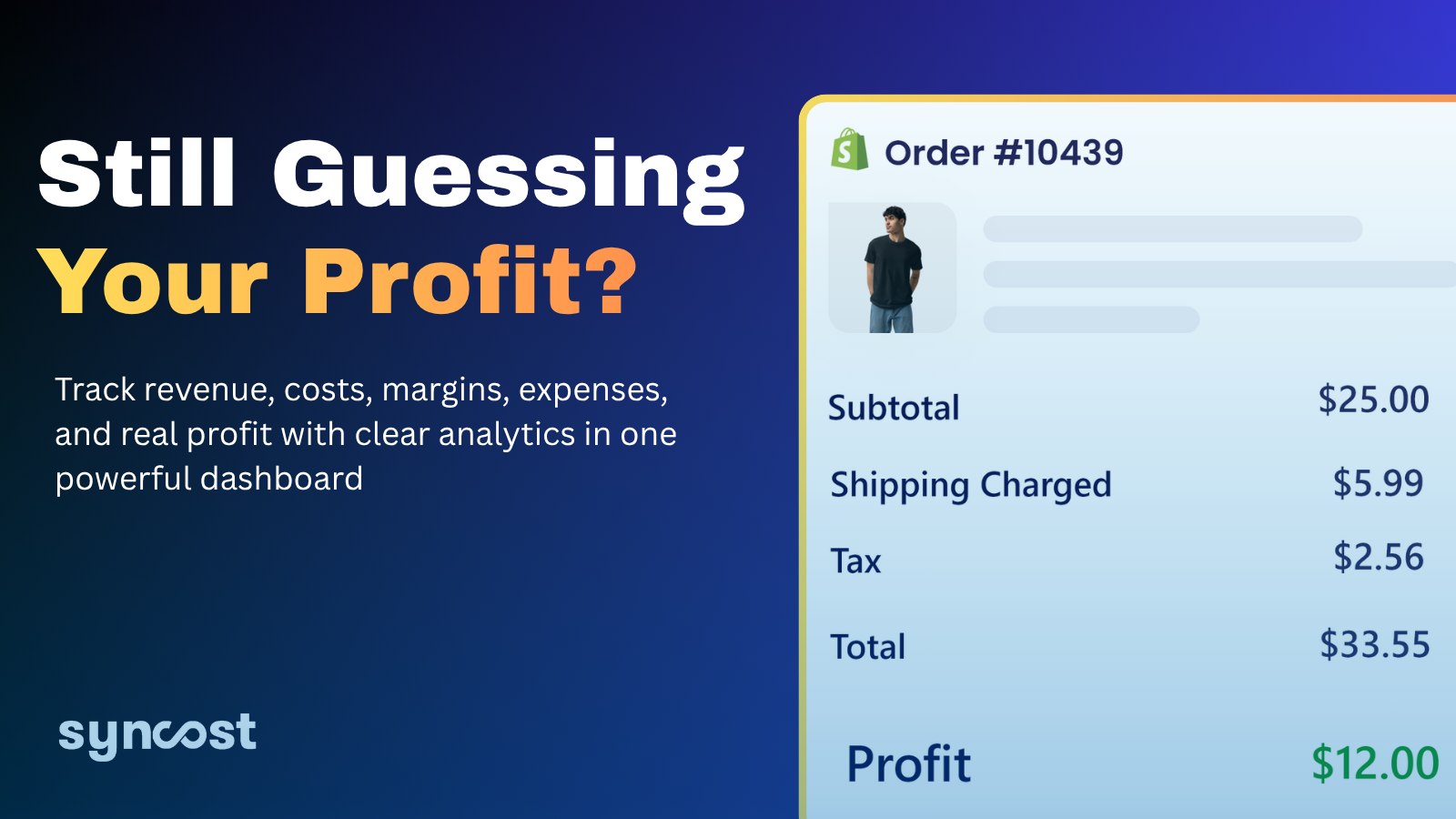
Syncost shows true net profit per product and order, so you can point your SEO effort at the pages and products that are actually profitable — not just the ones that get clicks.
Try Syncost free and optimize for profit, not just rankings.
FAQ
What are the best free Shopify SEO tools? Google Search Console and Google Analytics (GA4) are essential and free. Google Keyword Planner covers basic keyword research at no cost.
Do I need an SEO app for Shopify? Not necessarily. Small stores can rank with free tools and good on-page habits. Paid apps help most with large catalogs (bulk edits) or speed issues.
Do SEO apps slow down Shopify? Some can. Every app adds code — choose lightweight, well-reviewed SEO apps and avoid stacking several, since speed itself is a ranking factor.
What's the single most important SEO tool? Google Search Console — it shows exactly what you rank for, what's driving clicks, and what technical issues to fix, all for free.